Web development · Web Portals
Government & Public Service Portal
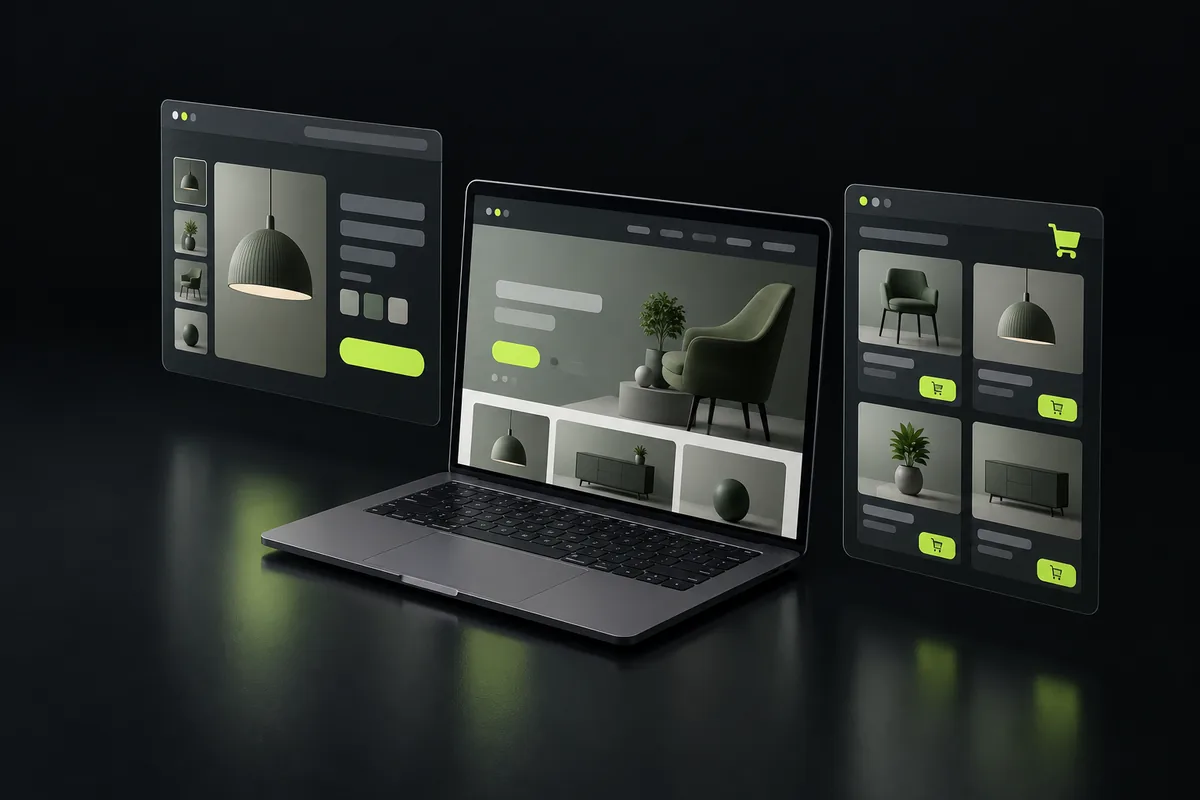
Public portals let citizens apply, upload documents and track status, with accessibility, Urdu support and audit trails.
By Dilawar Khan · Updated
Explore
What government & public service portal includes
- Online applications
- Status tracking
- Accessibility and Urdu
- Audit trails
Technology
Built with Next.js, React, TypeScript, Tailwind CSS, Node.js, Supabase, PostgreSQL. Server-rendered pages for search and AI crawlers, hosted on Vercel or your own infrastructure, with the code in your repositories.
What drives the cost
- Security requirements
How a project runs
- Step 1
Share your project
Send a short note on what you want to build, who it is for and when you need it, through the contact page or by email.
- Step 2
Get a plan
You get a reply with questions, a suggested approach and technology, a timeline broken into milestones, and a quote.
- Step 3
Build in milestones
Work ships in small milestones you can review and test, with regular updates, so there are no surprises at the end.
- Step 4
Launch and support
The product goes live, code and accounts are handed over to you, and ongoing support is available if you need it.
Questions
Is the portal accessible?
Yes, built to WCAG guidelines with keyboard and screen-reader support.
How are portals different from web apps?
Portals serve several user groups with different views and permissions; a web app usually serves one kind of user with one workflow.
Have a project in mind?
Tell me what you want to build. You get a reply within a few hours, 7 days a week, with questions, an approach and next steps.