Headless CMS & Content Websites · Blog & Publishing Platform
Documentation & Knowledge Base
Documentation sites need structure, search, versioning and a way for readers to say what is missing.
By Dilawar Khan · Updated
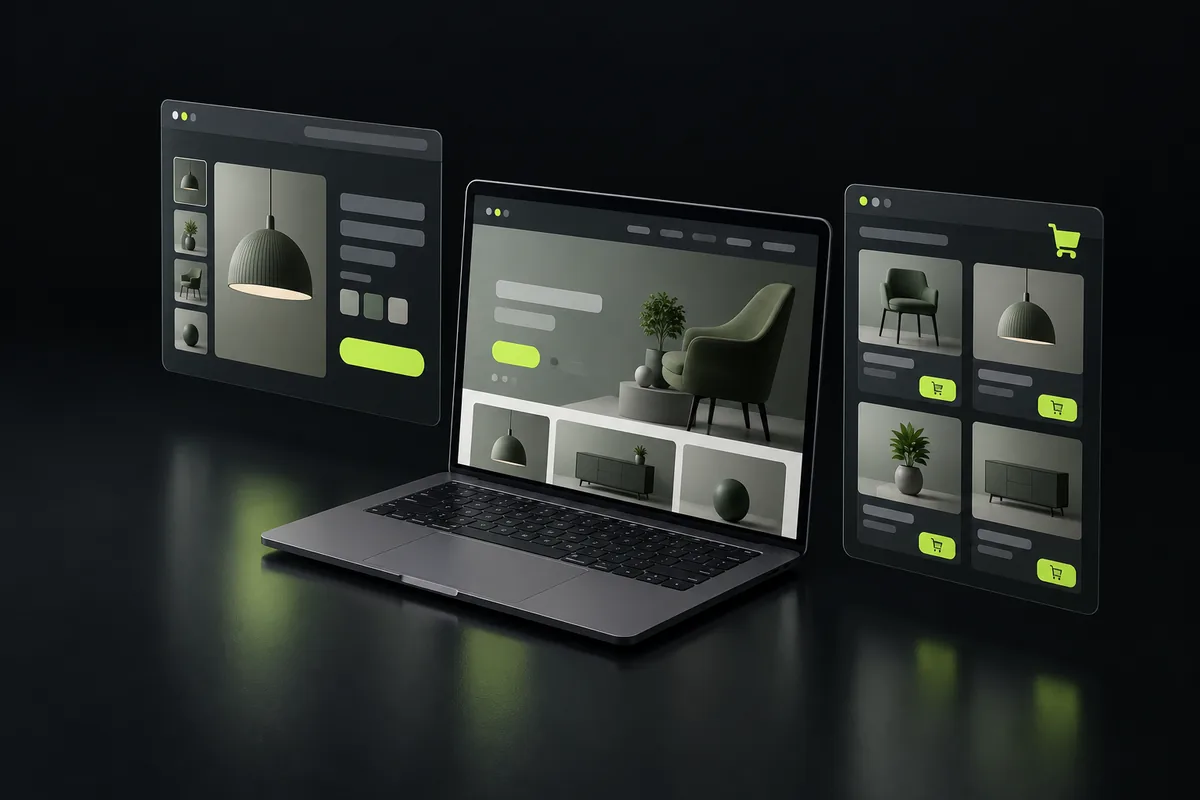
What documentation & knowledge base includes
- Search
- Versioning
- Feedback
- Code samples
Technology
Built with Next.js, React, TypeScript, Tailwind CSS. Server-rendered pages for search and AI crawlers, hosted on Vercel or your own infrastructure, with the code in your repositories.
What drives the cost
- Content volume
How a project runs
- Step 1
Share your project
Send a short note on what you want to build, who it is for and when you need it, through the contact page or by email.
- Step 2
Get a plan
You get a reply with questions, a suggested approach and technology, a timeline broken into milestones, and a quote.
- Step 3
Build in milestones
Work ships in small milestones you can review and test, with regular updates, so there are no surprises at the end.
- Step 4
Launch and support
The product goes live, code and accounts are handed over to you, and ongoing support is available if you need it.
Questions
Can docs be written in Markdown?
Yes; Markdown in a repository is often the best fit for technical teams.
Can we migrate thousands of posts?
Yes, with URL preservation and redirects.
Which headless CMS do you recommend?
Sanity or Payload for most teams; Strapi when it must be self-hosted; Contentful for large enterprises.
Have a project in mind?
Tell me what you want to build. You get a reply within a few hours, 7 days a week, with questions, an approach and next steps.