
Web development · Web App & SaaS Development
Customer & Client Portal
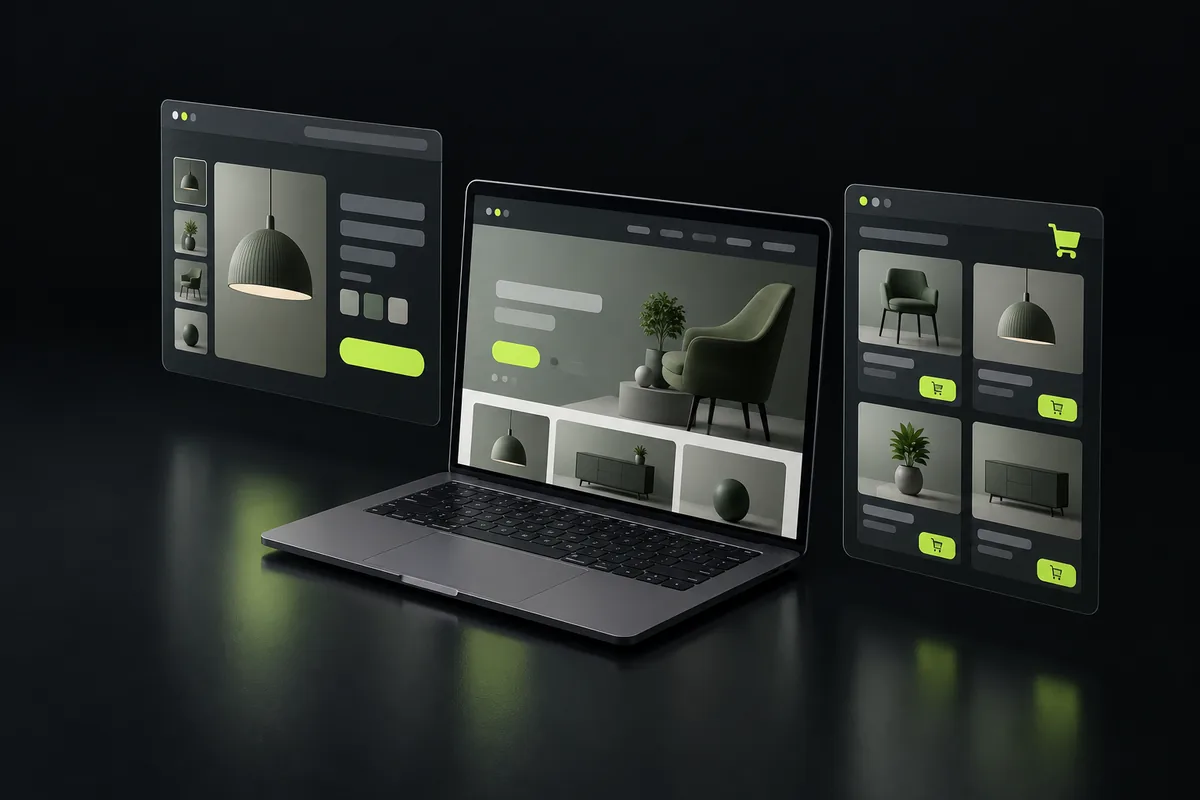
Portals replace email back-and-forth: clients log in to see their orders, documents, invoices, tickets and project status, and act on them.
By Dilawar Khan · Updated
Explore
What customer & client portal includes
- Secure login
- Orders/documents/invoices
- Support tickets
- Notifications
Technology
Built with Next.js, React, TypeScript, Tailwind CSS, Node.js, Supabase, PostgreSQL. Server-rendered pages for search and AI crawlers, hosted on Vercel or your own infrastructure, with the code in your repositories.
What drives the cost
- Data sources
- Integrations
Related case study
Multi-tenant SaaS · Canada
SpidNums
Live SaaS product serving accounting firms in Canada (no usage figures published).
How a project runs
- Step 1
Share your project
Send a short note on what you want to build, who it is for and when you need it, through the contact page or by email.
- Step 2
Get a plan
You get a reply with questions, a suggested approach and technology, a timeline broken into milestones, and a quote.
- Step 3
Build in milestones
Work ships in small milestones you can review and test, with regular updates, so there are no surprises at the end.
- Step 4
Launch and support
The product goes live, code and accounts are handed over to you, and ongoing support is available if you need it.
Questions
Can the portal connect to our existing systems?
Yes, via their APIs or scheduled syncs.
MVP first or full product?
MVP first: 4–8 weeks to a version real users can pay for, then iterate. A full platform is 12–20 weeks.
Have a project in mind?
Tell me what you want to build. You get a reply within a few hours, 7 days a week, with questions, an approach and next steps.